Secondary Container Labeling
What do we mean by “Secondary Container”?
Original Bottle
“Incoming Container”
When a chemical is transferred from its original container to another container, the container you transferred into is called a secondary container.
Any bag, barrel, bottle, box, can, cylinder, drum, reaction vessel, storage tank, tank truck or the like that contains a hazardous chemical is considered to be a container. 8 CCR 5194
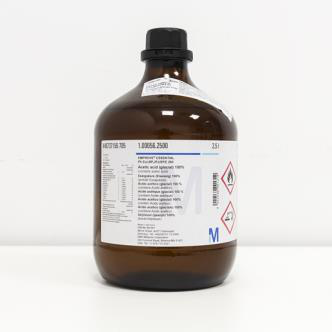
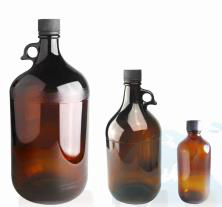
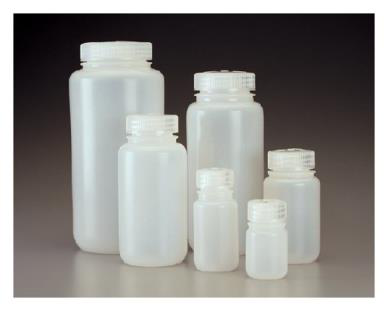
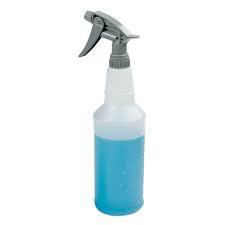
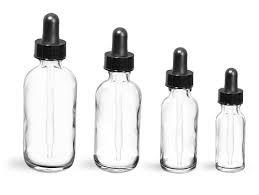
Secondary Containers
Why Talk About Secondary Container Labeling
2017 Hazardous Materials Audit @ CSU Fresno
- CSU Chancellor’s Office - Hazardous Materials Management
- Major finding: lack of secondary containment labeling
Risk Management
- Minimize inadvertent waste generation
- Emergency response
- Non-Lab requirements: 8 CCR §5194 Hazard Communication requires that secondary containers of a chemical product that are not just for the immediate use of the employee be labeled with the product name and general information about the physical and health hazards of the product.
-
Lab requirements/Standard of Care: 8 CCR §5191 Occupational Exposure to Hazardous
Chemicals in Laboratories
- Appendix A - National Research Council’s “Prudent Practices in the Laboratory”
What Are Our Goals?
Increased Safety
- For lab workers and visitors.
Standardized system
- So that everyone uses the same secondary container labels and format
Reduce confusion
- Regarding what chemicals are contained in bottles/containers
What info is needed on a secondary container label?
Full Chemical Name
Signal words
- DANGER, WARNING or CAUTION
Hazard Statements
- CORROSIVE, TOXIC, WATER REACTIVE, etc.)
and/or
- Pictograms (see below)
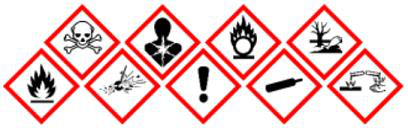
Note: using both Hazard Statements and Pictograms is ideal
What Tool can Help Improve Secondary Container Labeling?
-
AVERY Safety & Facility Solutions
- Globally Harmonized System (GHS) Chemical Labels
- Chemical resistant
- UV Resistant (2+ years outdoor UV life)
- Tear Resistant
- Temperature Resistant
- Easy to create label
- The next few slides will show you how to create your own compliant secondary chemical labels.
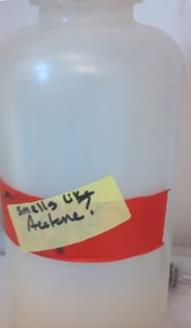
Go from this
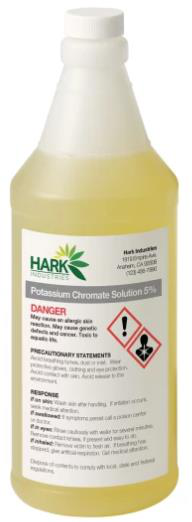
To this
But how?
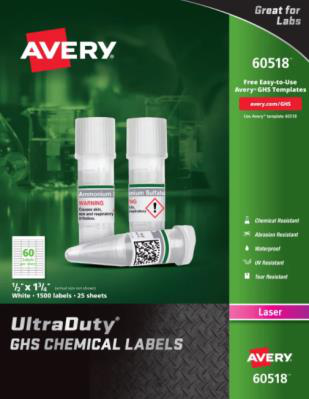
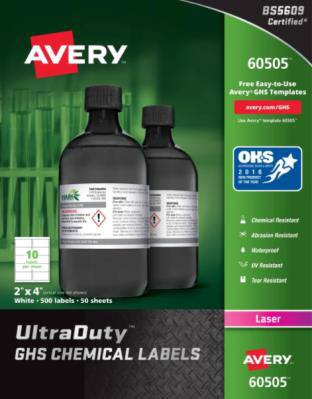
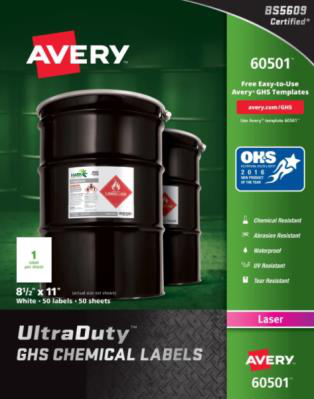
- Have the Safety Data Sheet (SDS) for the chemical, or the original container label handy.
- Go to: http://bit.ly/GHS_Label
- Select the desired label size.
- Fill in the requested chemical information.
Helpful hint: if you have a pure chemical, you can just enter the CAS #, and the system will auto-populate the rest of the info for you!
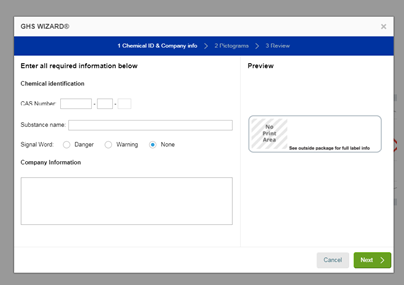
Additional Print Options Are Available
- Users are able to select additional options, for example use of “Print Range”, and to be able to select individual labels to print.
- Avery will print your labels for you (at a cost to your department), and ship them to you if you prefer to have them printed on your behalf.
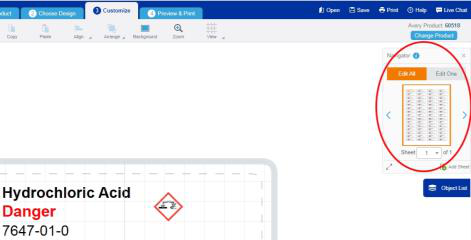
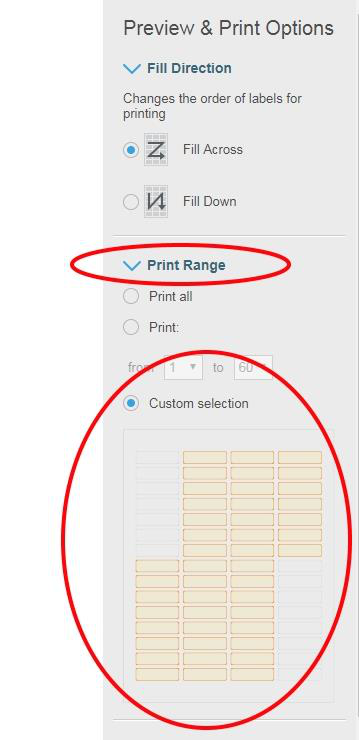
Once labels are ready to print:
Test Settings
- Uncheck “Fit to Page” option
- Test print on plain paper
Last step: Print Labels
- Change printer settings to “labels” and print.
- Fan the label sheets before inserting into printer tray
Need Help?
Avery tech support number:
800.942.8379
Availability:
Mon to Fri 5:30am - 5pm PT
Closed Sat and Sun
… or Contact Fresno State’s EHS/RM @ 559 278-7422