Recruitment Request Process Guide

Overview
This step-by-step guide will show you how to initiate a Recruitment Request using the CHRS Recruiting function in the MyFresnoState portal. Departments may submit a Recruitment Request for a temporary or probationary/permanent appointment. Temporary appointments using the recruitment system must be longer than six months. (If appointment is anticipated to be less than six months, please refer to the Short-Term Emergency Hire guide).
Upon identifying the need for recruitment, the Hiring Manager or administrative designee should begin the online process for submitting a Recruitment Request following the instructions below. The hiring manager may not make an offer of employment, written or verbal, to any candidate prior to receiving the necessary approvals from Human Resources and the appropriate VP/Dean/Director.
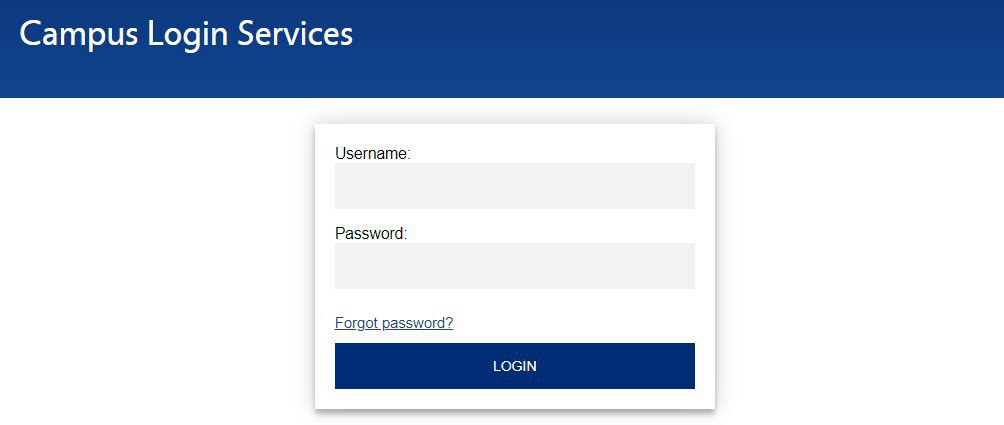
Sign in to the MyFresnoState Portal
- Go to http://my.fresnostate.edu/ and log in using your campus credentials.
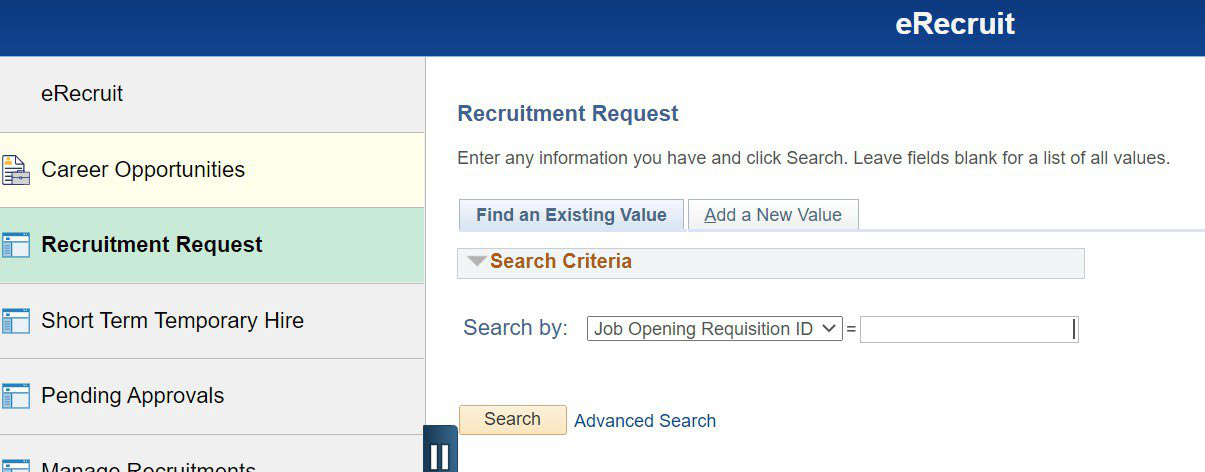
- Navigate to the e-Recruit tile, then select Recruitment Request.
Fresno State Human Resources
August 2024
1
- The Recruitment Request page will display. To begin a new request, click the “Add
New Value” tab.
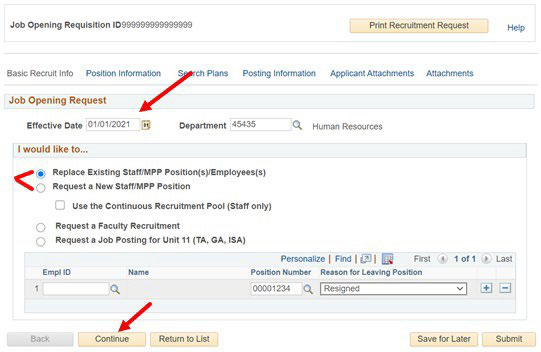
- Enter the effective date and the department ID number. (If you are unsure of the department
ID, please visit the HR webpage: http://fresnostate.edu/adminserv/hr/aboutus/find-team.html). Indicate if this is a new position (addition to the department budget) or if it
is replacing a prior employee. Select Continue.
- Confirm the Job Code, Regular/Temporary, Grade, and Working Title. Department budget information will also need to be populated. If the request is for a replacement position, this field should be populated. If the request is for a new position, this information will need to be entered. Any questions should be directed to the Office of Budget & Resource Planning at 559.278.3902. Select Continue
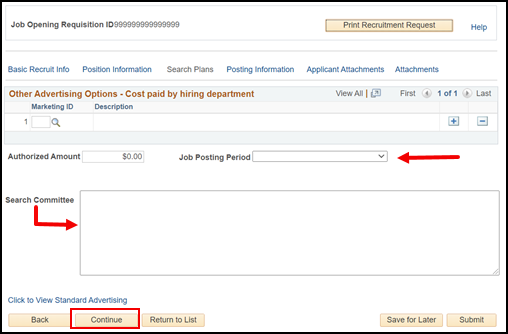
- Select the Job Posting Period from the drop-down menu. For staff positions, the minimum
posting period is 14 days. For Management Personnel Program (MPP) positions, the minimum
posting period is 30 days. Indicate the search committee member names in the text
box. If members are unknown, indicate unknown at this time or TBD. Select Continue.
- Complete each of the fields on the Posting Information tab. Fields that are required are marked with a red star. Information can be copied from the position description document. Select Continue.
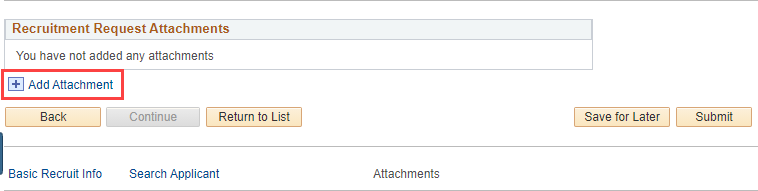
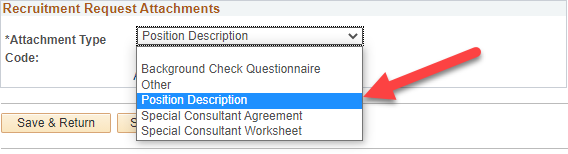
- All Recruitment Requests require a Background Checklist and approved Position Description.
To attach these documents, select Add Attachment (a) and upload the appropriate files
under Attachment Type (b). A blank Background Checklist can be found on the HR Forms
webpage (http://fresnostate.edu/adminserv/hr/aboutus/forms/index.html).
a.
b.
Note: Be sure to use short file names. The system will not accept files with long titles.
- You may add any other relevant file under the “Other” file type. (i.e. VP or President approval).
- If incomplete, you may click Save for Later. Please be sure to note the Recruitment
Request ID#. This will allow you to save and return at a later time. Once complete,
you may click Submit. The system will notify you if any required fields are missing.
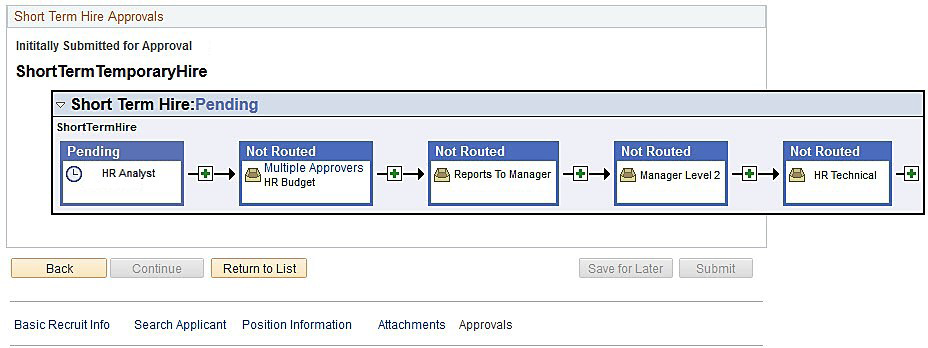
When the request is successfully submitted, you will see the approval chain.
- The HR Consultant will contact the Hiring Manager or administrative designee once
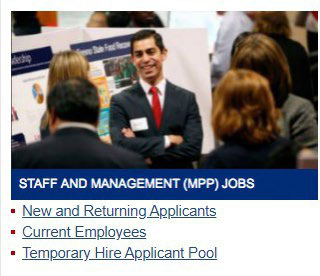
the request is approved. The position will be posted and advertised using the PageUp
applicant platform. Applicants will be able to submit their materials through the
Fresno State Jobs page.
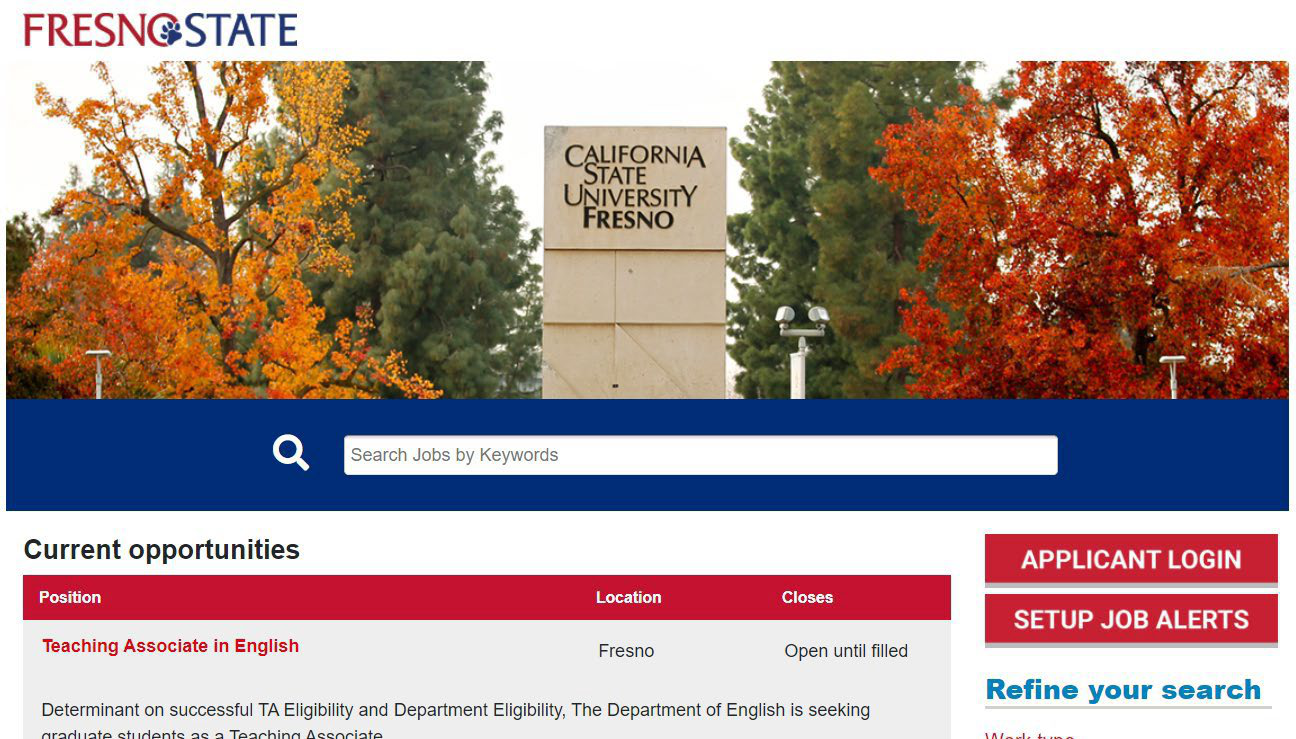
- After the posting period, applications will be released through PageUp. The search committee will be provided with access and training on using the PageUp system. Questions should be directed to your HR Consultant.
This HTML version was generated with AI assistance and may contain errors or omissions. The original approved PDF remains the official document of record. An alternative accessible format is available upon request from the document creator in accordance with Title II of the ADA.