Trust Fund Approval
All Trust Funds must have a new Trust Fund Approval form submitted electronically to Accounting Services to be able to process any financial transactions (purchase requisition, alteration, direct pay, travel, budget transactions, etc.).
All Department ID’s listed on the Trust Fund Approval Form will allow all those individuals listed on the Financial Signature Approval Form for each of those Department ID’s as being approved to sign for all financial transactions for that particular Trust Fund.
Anyone can create the initial Trust Fund Approval form for their Department ID(s), but only those listed on the Financial Signature Approval Form will be able to make any updates or changes to the form in the future.
Instructions for filling out the Trust Fund Approval form:
- At the My Fresno State portal, sign in with your login and password
https://my.fresnostate.edu/psp/mfs/EMPLOYEE/EMPL/h/?tab=PAPP_GUEST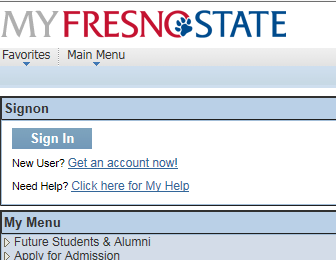
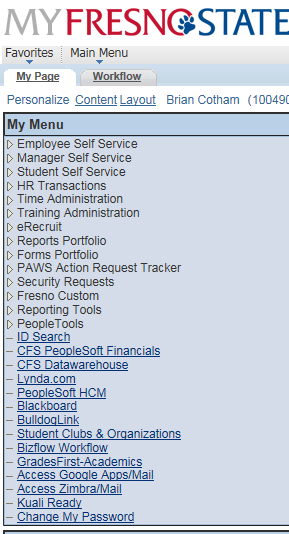
- After logging into My Fresno State, click on the Forms Portfolio link, on the left
under My Menu
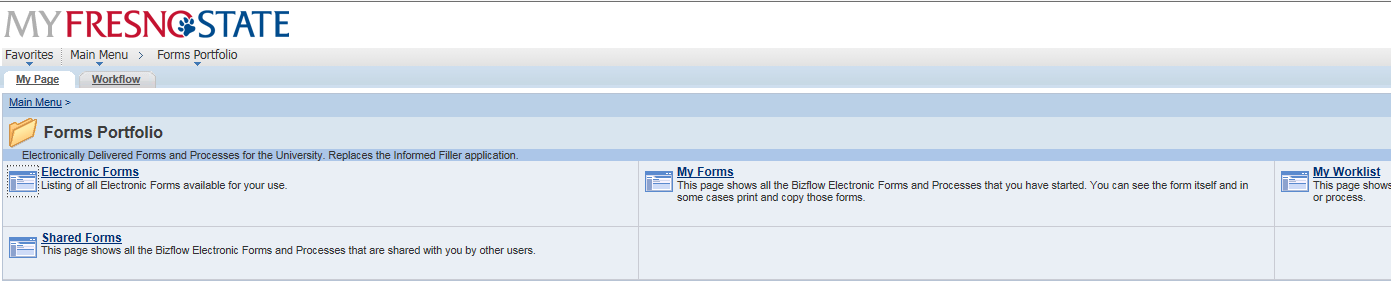
- After clicking on the Forms Portfolio link, then click on Electronic Forms link.
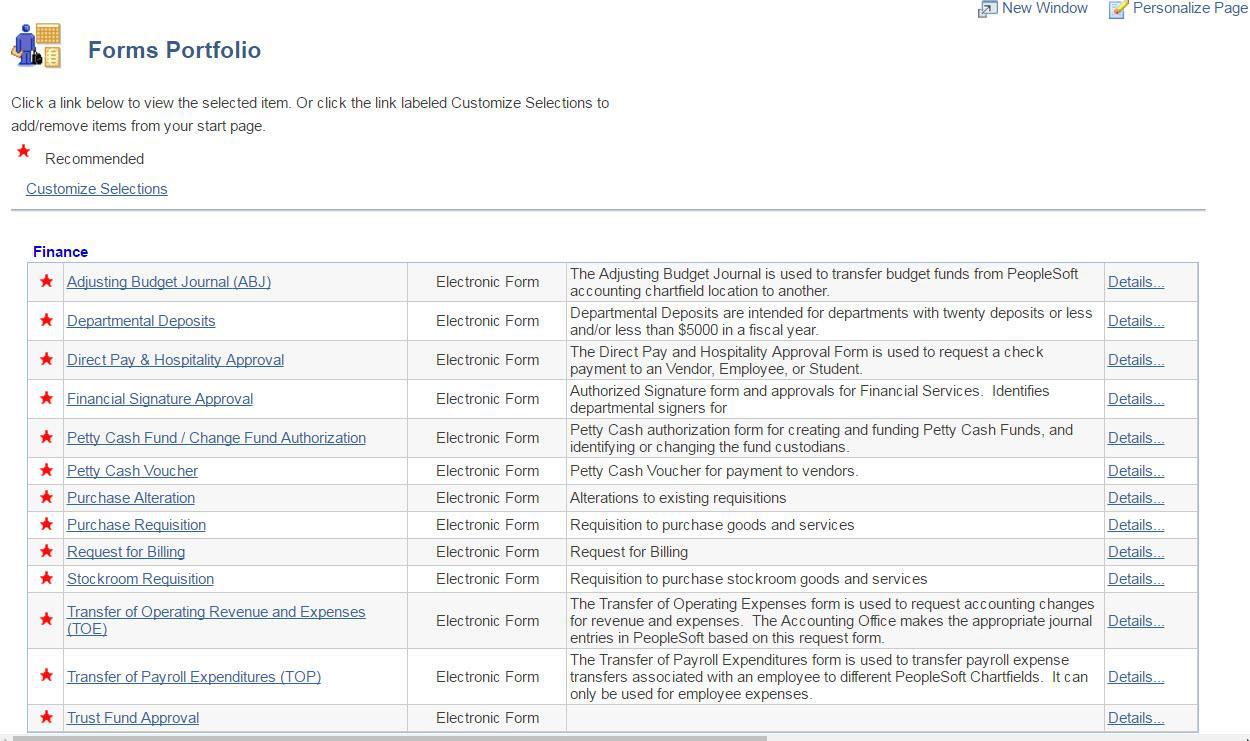
- After clicking on Electronic Forms, then click on Trust Fund Approval link, found
under the Finance section.
- The following Trust Fund Approval form that needs to be filled out will appear:
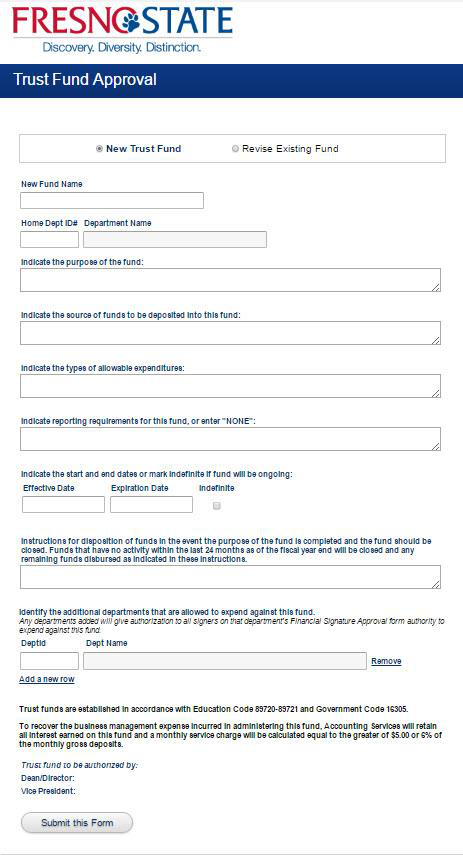
6) Instructions to fill out the Trust Fund Approval form:
- Enter the Fund Name, whether an existing or new fund.
- Enter the Org ID into the Dept. ID# field. The Org ID is a part of the PeopleSoft chartfield that defines what department you are.
- The Department Name will automatically fill in based upon the Org ID you entered into the Dept. ID field.
- Describe the purpose of the fund.
- Describe where the funds will be received from that will be deposited into the account (source).
- Describe the types of allowable expenditures. This description is what will allow and/or prohibit expenditures against this fund in the future.
- Indicate the reporting requirements, if any for this fund. If there are no reporting requirements, enter “NONE”.
- Indicate the start and end dates. If the fund will be ongoing, mark the box “Indefinite” and leave the expiration date blank.
- Give instructions for the disposition of funds in the event the purpose of the trust fund is completed or should be closed.
- Identify additional Department ID’s that are allowed to process financial transactions against this Trust Fund account. All additional Department ID’s listed on the Trust Fund Approval Form will allow all those individuals listed on the Financial Signature Approval Form for each of those Department ID’s as being approved to sign for all financial transactions for that particular Trust Fund.
- Click on Add a New Row to add each additional Department ID.
- After adding all additional Department ID’s, then click on Submit this Form
- The form will be submitted into Bizflow
- It will then be sent to the Dean/Director and VP for the Department responsible for this fund for approvals
- Once approvals are completed, it will be sent to Accounting Services for setup in CFS.
- You will receive an email notifying you that the form has been fully approved and processed.
- If there are any changes or questions, the form may be returned to you for corrections. If that happens, you will receive an email and the form will appear in My Worklist in the My Fresno State/Forms Portfolio.
- You may see the status of this form at any time by locating it in your My Forms list in the My Fresno State/Forms Portfolio.
This PDF is provided as a print-only reference document and may not be fully accessible to users of assistive technology. For more information, please visit Title II Rule on Digital Accessibility page.