How to Opt Out of the Student Involvement & Representation Fee (SIRF)
Sign in to My Fresno State at http://my.fresnostate.edu
Click on Student Self Service/Student Center/My Finances/Account Inquiry.
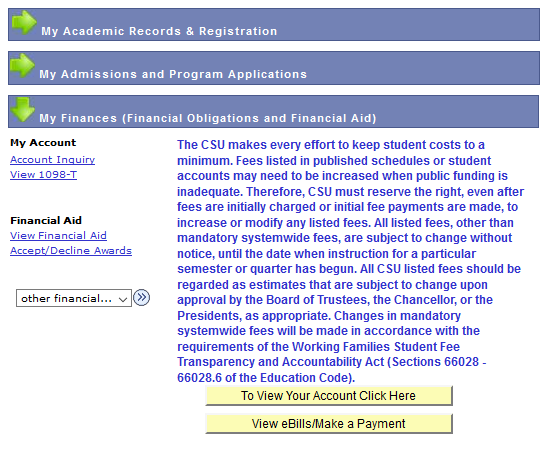
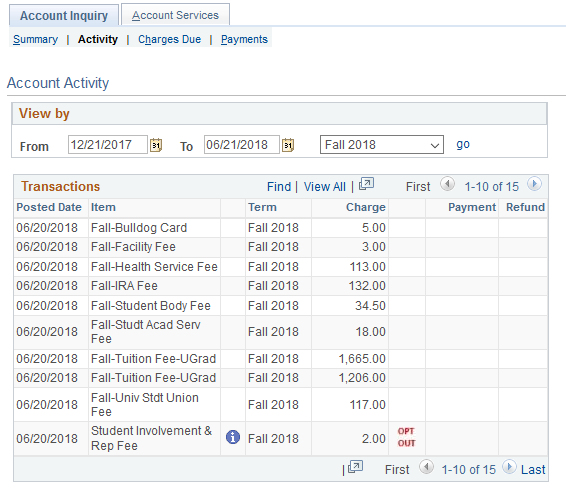
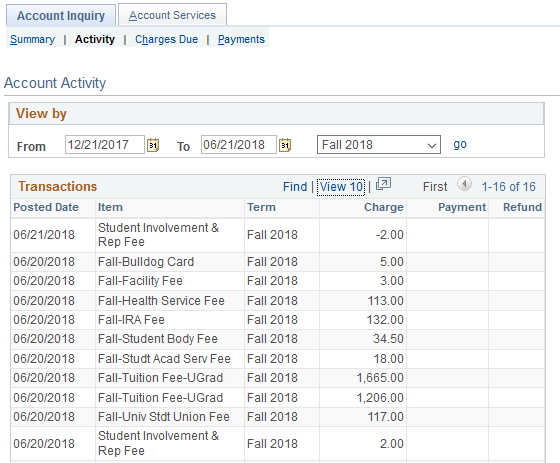
Click the activity tab.
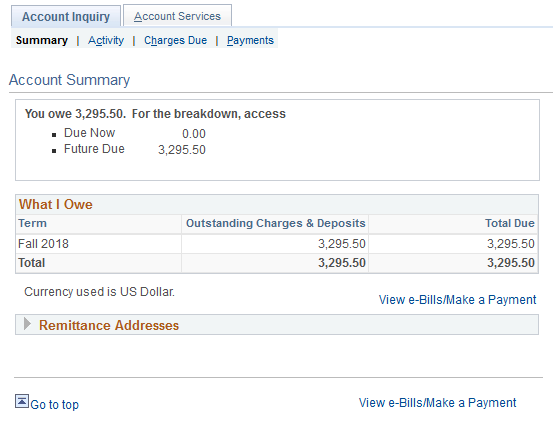
6/21/18 va
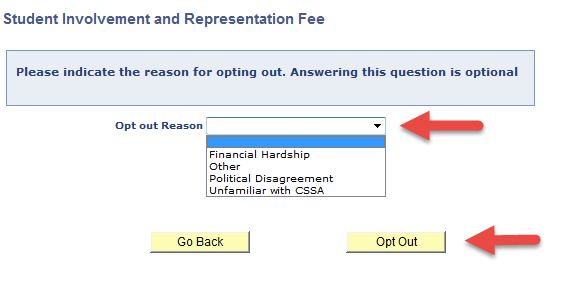
Click the Opt Out.
Select an Opt out Reason from the drop down menu and click Opt Out.
6/21/18 va
Click the activity tab to review if the Student Involvement & Representation Fee has been opted out.
6/21/18 va
This HTML version was generated with AI assistance and may contain errors or omissions. The original approved PDF remains the official document of record. An alternative accessible format is available upon request from the document creator in accordance with Title II of the ADA.