Profile and Delegates


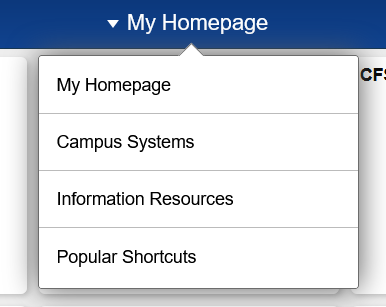
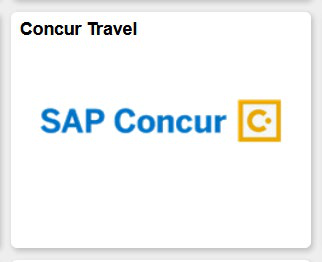
From “My Homepage,” go to “Campus Systems” and select the SAP Concur tile.
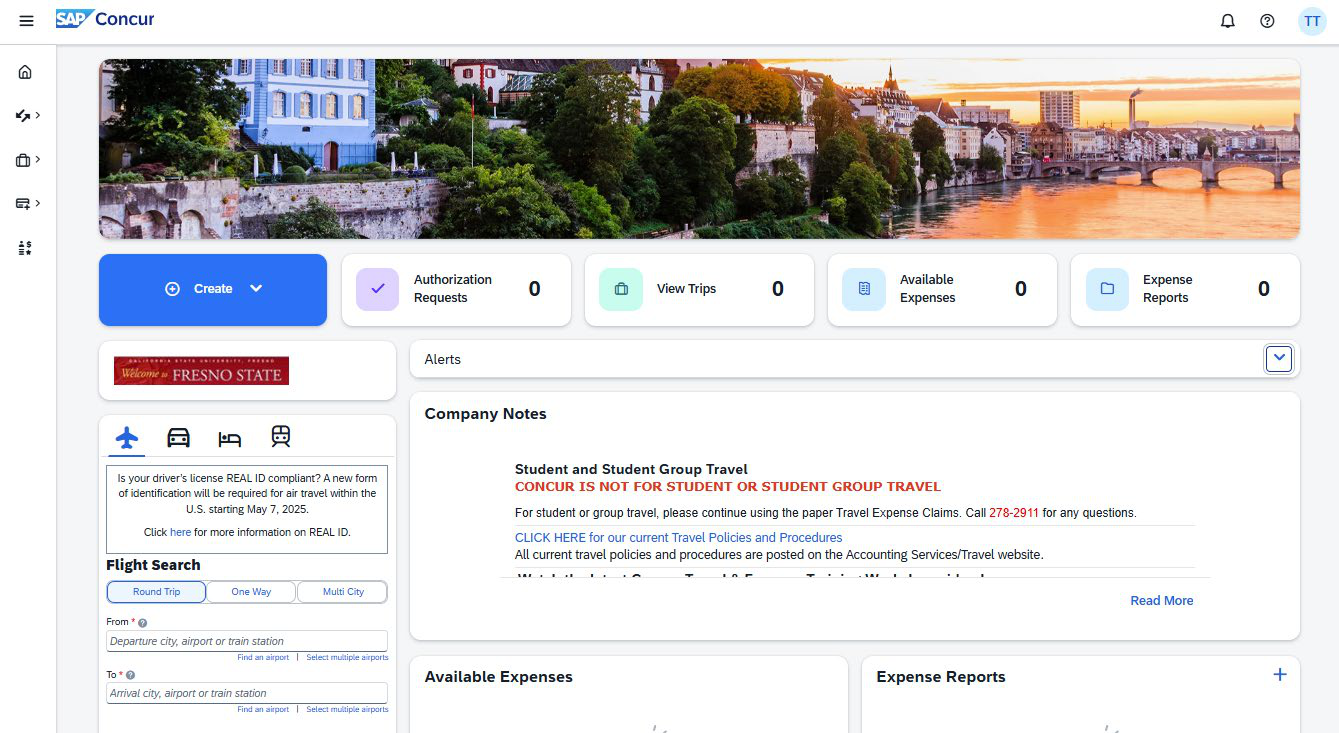
The Company Notes section has important information for your reference
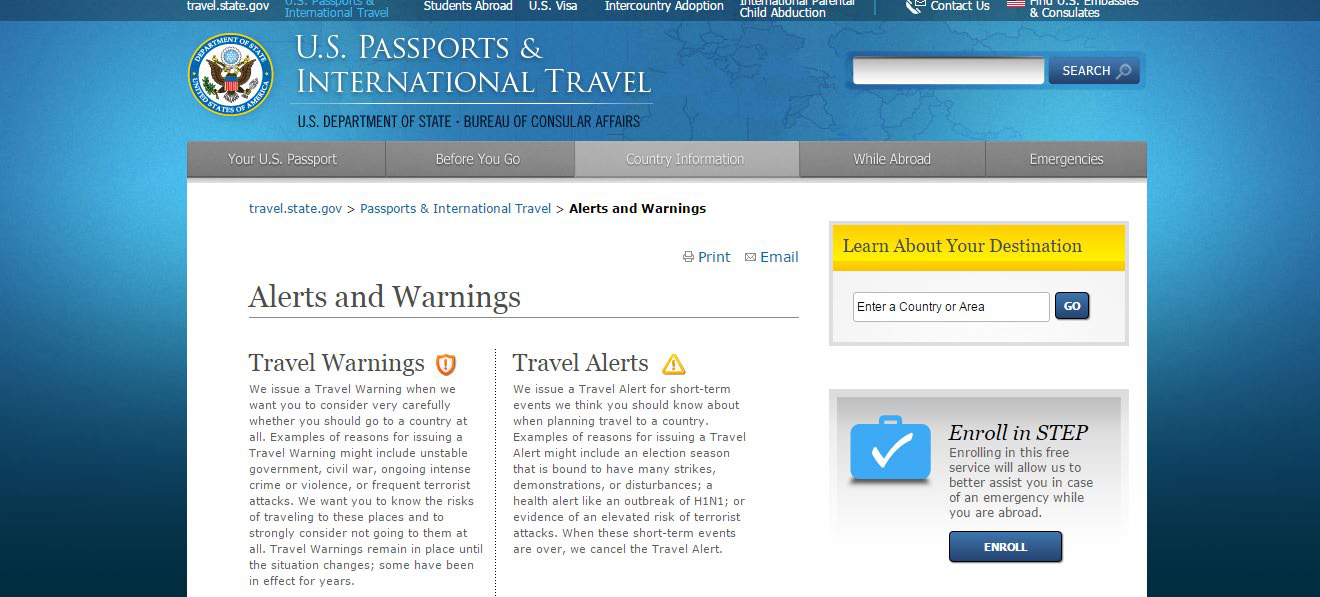
The dashboard provides links under “Travel Alert Information” and “High Hazard” for important information about international travel
Set up your profile settings to get started
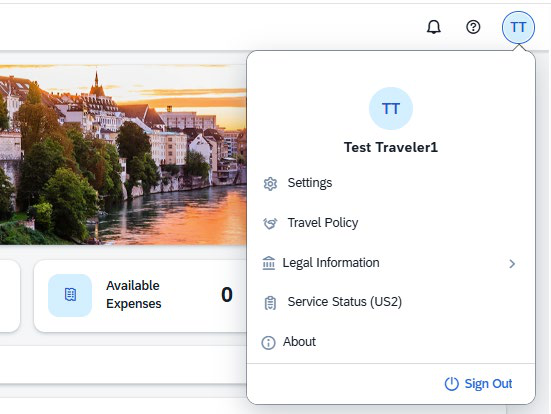
Start with your personal information
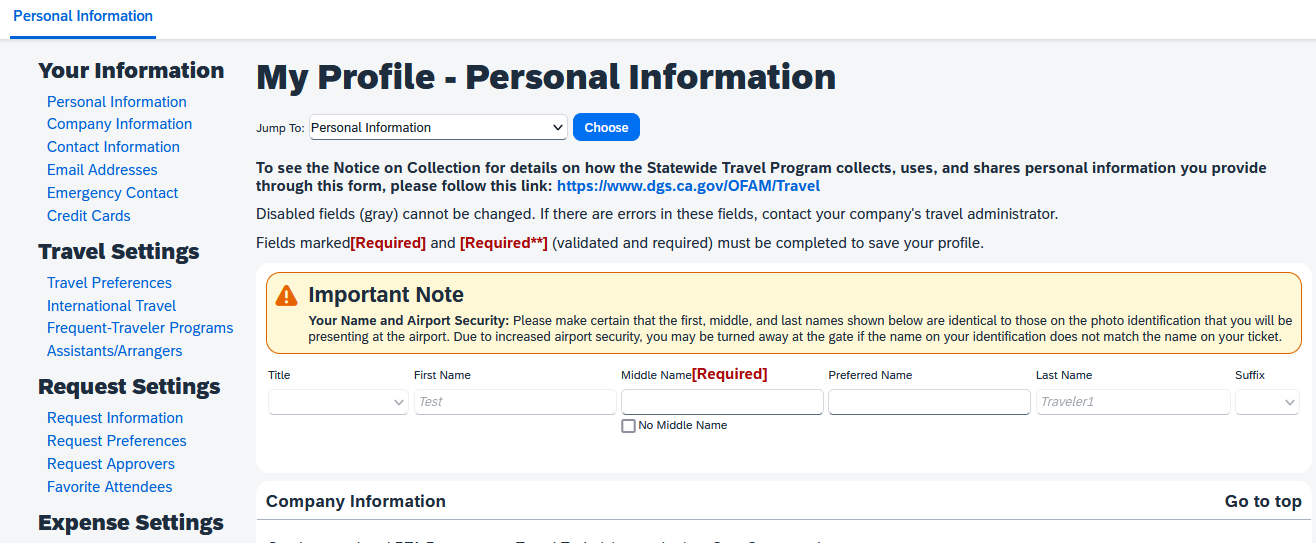
https://www.dgs.ca.gov/OFAM/Travel
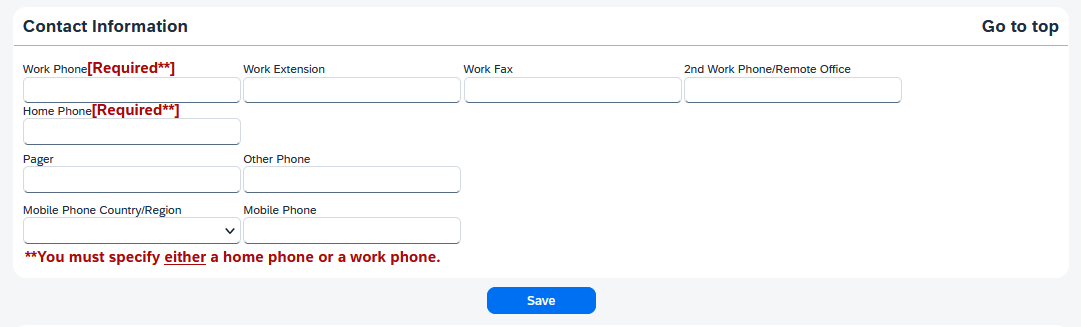
All Required** fields must be completed
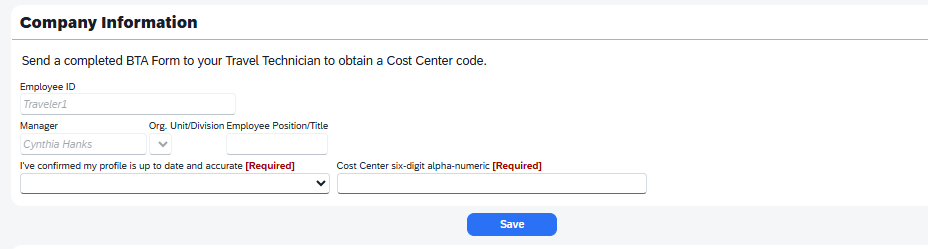
Profile – Company Information.
A Cost Center is required to book reservations in Concur. Go to Forms Portfolio, complete
a Business Traveler Account form, and email the completed PDF form to mariec@mail.fresnostate.edu.
The form will be sent back to you with the assigned Cost Center code for reservations.
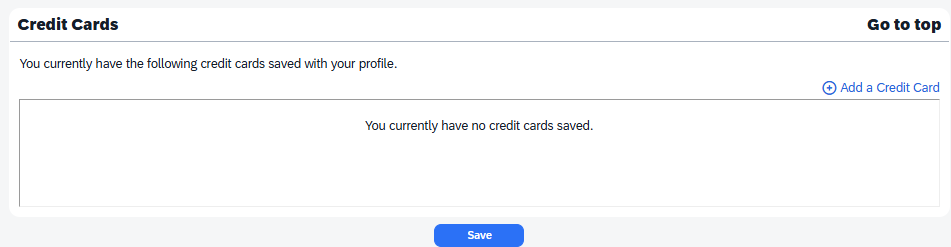
Profile – Credit Cards. Concur can save a credit card for you which you can use to hold a hotel reservation. No expenses will be charged to your card.
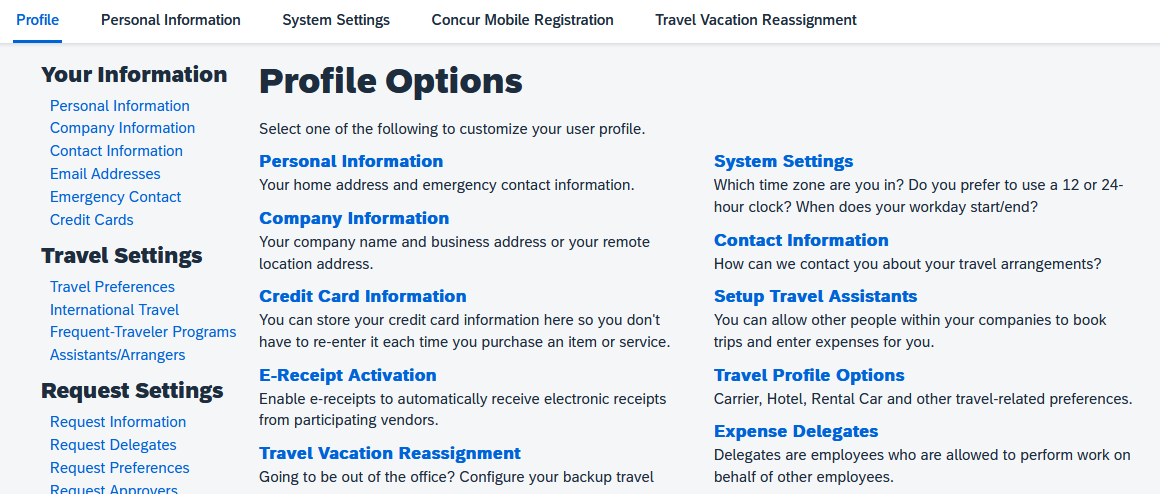
Establish your Travel Assistants and Expense Delegates in your Profile Options
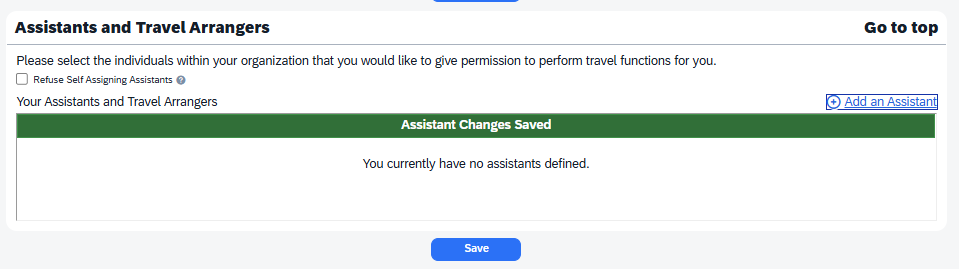
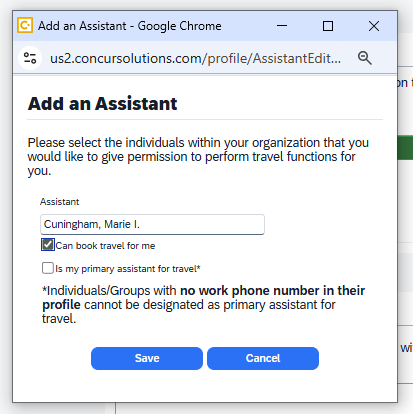
To set up your Travel Assistants, click “+ Add an Assistant.”
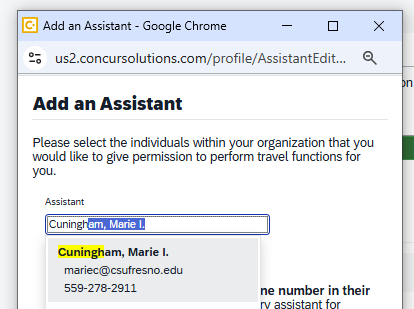
Search for the individual who will be your assistant. You must select a permission.
1) Can Book Travel – Can only book travel.
2) Primary Assistant – Can book travel and see past trips.
Profile – Expense Delegates can create preapproval Requests and Expense reports.
“Add” the individual who will be your Expense Delegate.
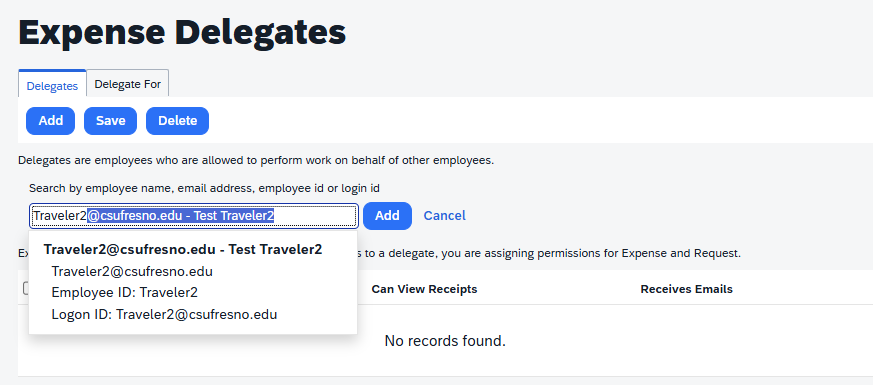
Don’t forget to select the permission buttons to give your delegate permission to prepare preapproval Requests or Expense reports.

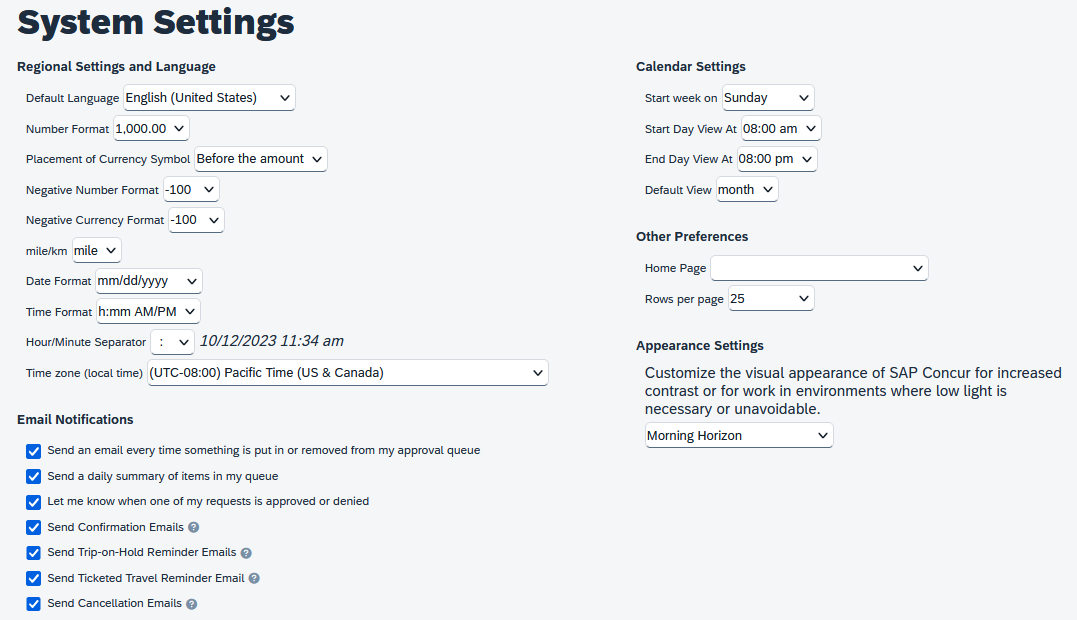
Customize your dashboard in System Settings, including email notifications and Appearance Settings
Definitions
- Concur is a travel and expense reimbursement and reporting system.
- A Request is the same as a Travel Application and is used for preapproval purposes only.
- An Expense Report is the same as a Travel Expense Claim and is used for reimbursements.
- The Approver is the Manager/Supervisor/Chair who typically approves your travel.
- The Cost Object Approver (COA) is the budget approver/analyst. This individual is the “Primary Approver” on the department Financial Signature Approval form.
- A Delegate can create and/or view travel requests or expense reports on behalf of another employee.
- A Travel Assistant is an individual who can make travel reservations on behalf of another employee.
Things to Note
- Verify your Fresno State email in your profile so you can email your receipts to receipts@concur.com.
- Enable E-Receipt Activation in your Profile Settings to obtain e-receipts from participating suppliers.
- Keep original receipts until reimbursement for travel expenses have been received.
- Travel Approver has seven (7) business days to approve. After seven days, the report is automatically returned to the traveler to redirect for approval.
Need help?
Marie Cuningham (559) 278-2911 mariec@csufresno.edu

This PDF is provided as a print-only reference document and may not be fully accessible to users of assistive technology. For more information, please visit Title II Rule on Digital Accessibility page.